

Standard lighting setups often leave commercial spaces feeling flat and uninspired, failing to capture customer attention in a competitive market. You spend money on basic RGB tape only to realize it limits your design with single-color displays across the entire run. Here is the deal: Neopixels provide the granular pixel-level control necessary for creating dynamic, professional-grade visual effects that analog strips simply cannot match. This guide details exactly how does led strip neopixel work, moving from internal chip architecture to advanced power injection strategies, ensuring you possess the technical expertise to upgrade your lighting infrastructure.
1. What Is a Neopixel LED Strip?
Neopixels represent a specific category of addressable RGB LEDs featuring an integrated driver chip, typically the WS2812B or SK6812, housed directly within the SMD package. This compact architecture allows every single light source on a flexible PCB to function independently regarding color and brightness. Unlike traditional lighting options dependent on external voltage regulation for color shifting, these intelligent modules utilize a precise digital data protocol. You might be wondering how they differ from regular diodes. The primary distinction lies in the silicon die embedded inside the 5050 casing, which interprets data signals to manage current regulation locally.
We classify these components as digital rather than analog. Traditional strips wire every Red, Green, and Blue diode in parallel, forcing the whole length to show one hue. Neopixels wire the power in parallel but daisy-chain the data lines. This enables you to craft complex animations where pixel one shines red while pixel two glows blue. Engineers prefer this technology because it shifts complexity from the wiring harness to the software side. You no longer need massive bundles of cable for multi-color effects; a simple three-wire interface suffices for sophisticated displays.
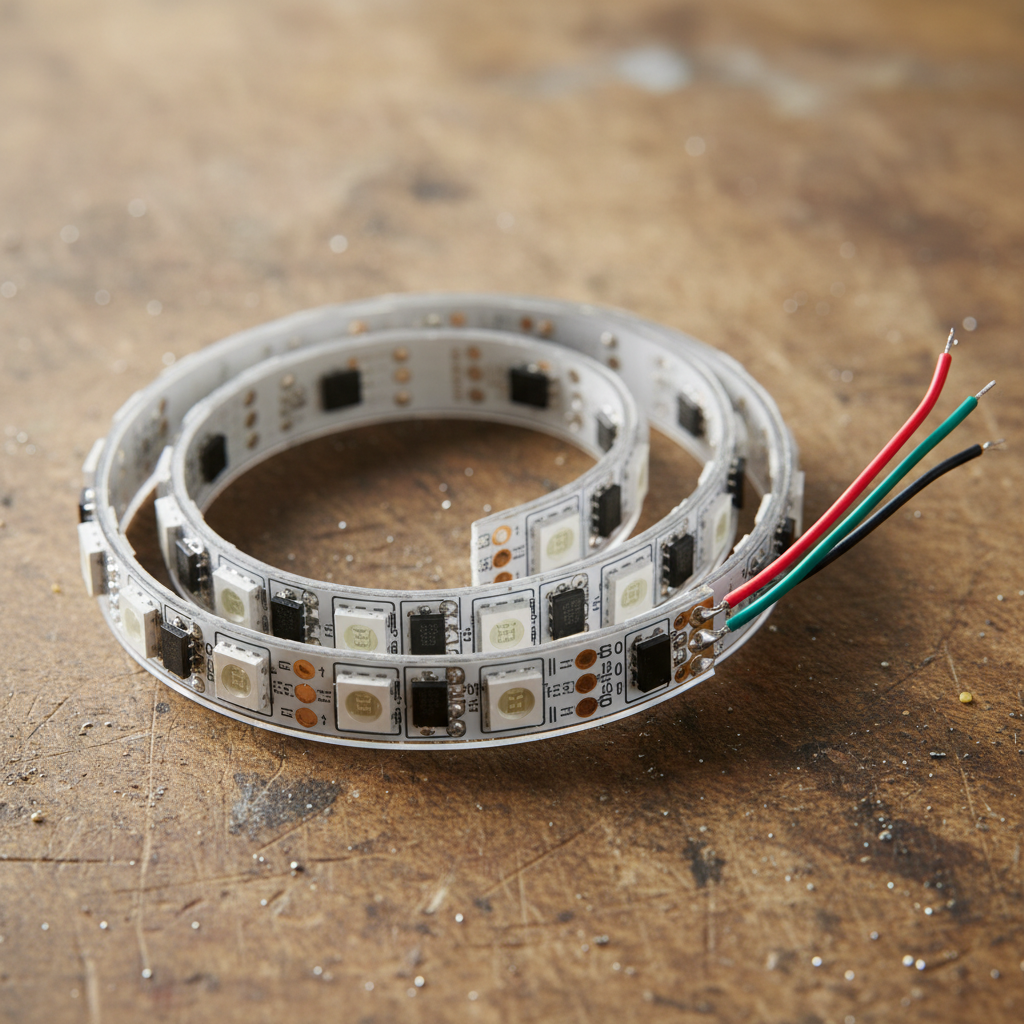
Specifications Overview
| Feature | Standard RGB | Neopixel (Digital) | |
|---|---|---|---|
| Control Method | Voltage (PWM) | Digital Data Stream | |
| Granularity | Entire strip (Zone) | Individual Pixel | |
| Voltage | 12V / 24V | 5V DC (Typically) | |
| Component | LED only | LED + Driver IC |
2. How Does the Single Pin Communication Work?
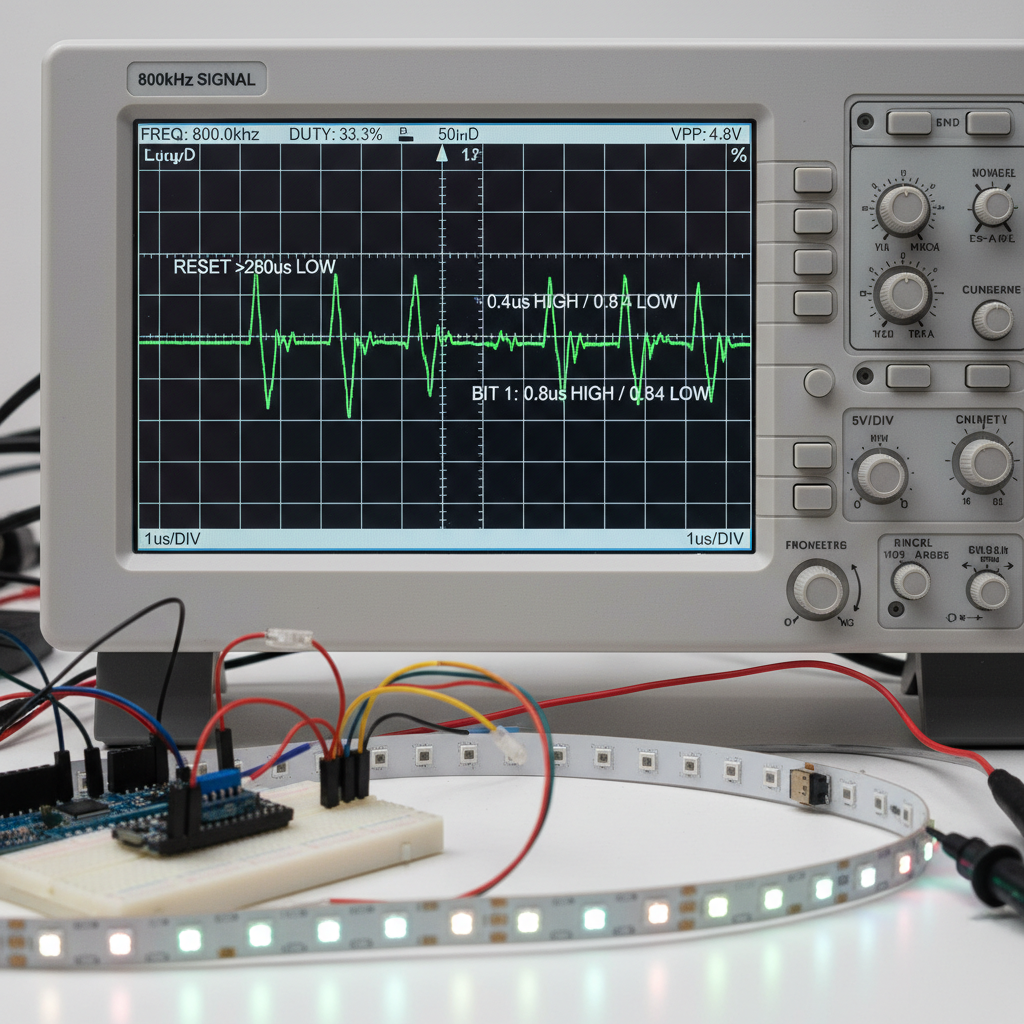
Communication relies on a timing-strict Non-Return-to-Zero (NRZ) protocol transmitted over a solitary data line. A microcontroller sends a continuous stream of 24-bit color data packets at approximately 800 KHz. This is where it gets interesting: The first LED in the chain consumes the initial 24 bits of information, strips them for its own use, and regenerates the rest of the signal before passing it downstream. This “bucket brigade” mechanism allows infinite cascading of instructions using just one General Purpose Input/Output (GPIO) pin on your controller.
Timing accuracy remains critical for this operation. A logic “0” and logic “1” are distinguished not by voltage levels alone but by the duration of the high pulse within a fixed window. Since the protocol operates at high speeds, standard computer operating systems often fail to drive them directly due to background process interruptions. Real-time microcontrollers like Arduino or dedicated LED drivers become necessary to maintain the strict nanosecond-level timing required for stability. Any deviation causes the strip to interpret data incorrectly, leading to random flashing or “glitching” down the line.
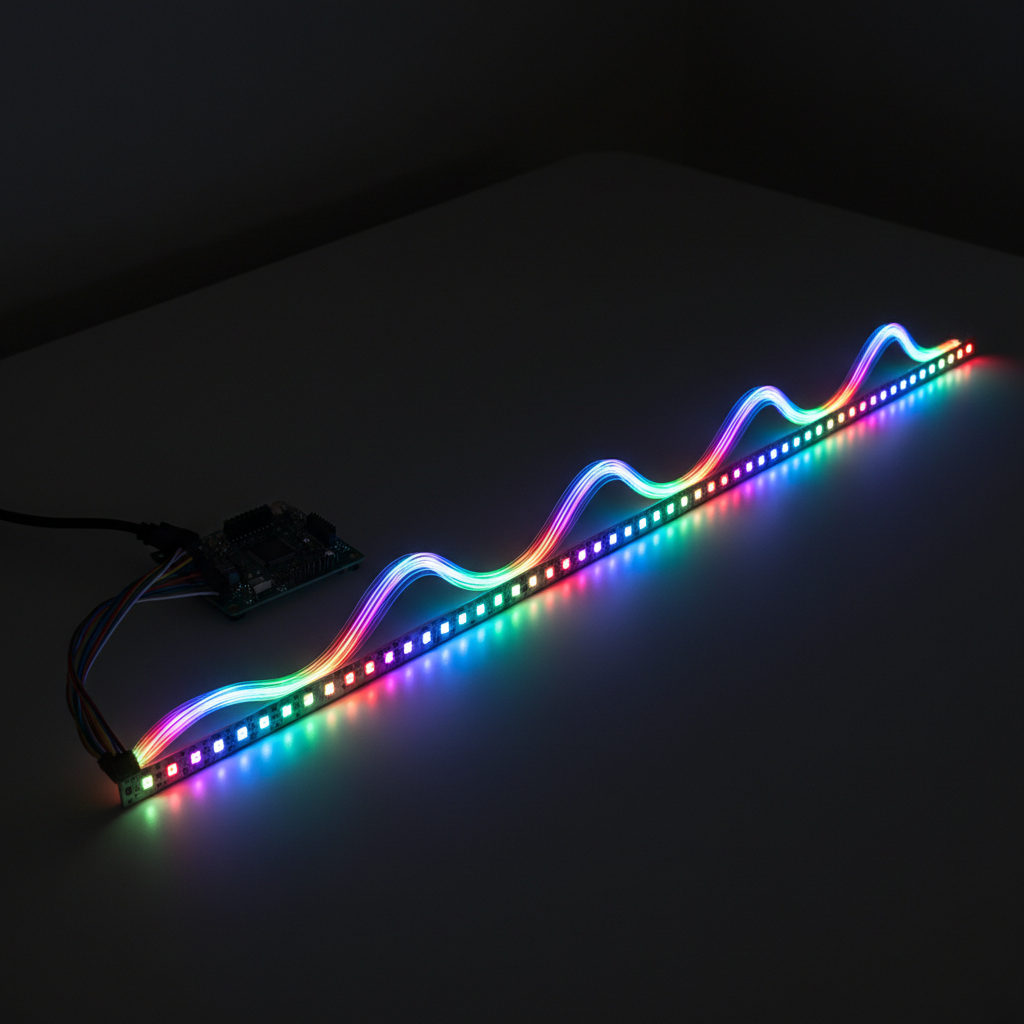
Protocol Timing Specs
| Parameter | Duration / Value | Function | |
|---|---|---|---|
| Frequency | 800 KHz | Data transmission speed | |
| T0H (0 High) | ~0.4 µs | Bit 0 High time | |
| T1H (1 High) | ~0.8 µs | Bit 1 High time | |
| Reset Code | >50 µs Low | Latches data to LEDs |
3. How Do Neopixels Differ from Standard RGB Strips?
The fundamental difference centers on addressability and circuit topology. Standard analog strips function as a single electric load where varying voltage across R, G, and B channels changes the color for the entire unit. What’s the real story? Neopixels function as a distributed digital network. Each unit contains a tiny processor that reads commands, making the strip a smart device rather than a passive component. This structural variance dictates how you approach installation, power distribution, and programming.
Flexibility remains a major advantage for digital options. You can physically cut Neopixel tape after any individual LED without breaking the circuit for the remaining pixels, whereas analog strips usually require cutting at specific 3-LED or 6-LED intervals. This freedom allows for precise custom sizing in architectural integration. However, this functionality comes at a cost. Digital strips require three times the memory on your controller and significantly more power management planning. While an analog setup might use a simple 12V dimmer, a digital project demands a coded environment and robust 5V amperage support.

Comparison Matrix
| Metric | Analog Strip | Neopixel Strip | |
|---|---|---|---|
| Wiring | 4-Wire (R,G,B,+) | 3-Wire (V+, Data, GND) | |
| Cut Points | Every 5-10cm | Every 1 LED (1cm) | |
| Max Length | 5m-10m easily | Data degradation >1m | |
| Cost | Low | Medium/High |
4. What Are the Power Requirements?
Power management stands as the most common point of failure for new Neopixel installations. But here is the kicker: A single 5050 RGB pixel draws approximately 60 milliamps (mA) when displaying full brightness white. A standard five-meter reel containing 300 LEDs requires a massive 18 Amps of current at 5 Volts. Most USB ports only supply 0.5 Amps, and even large wall adapters often max out at 5 or 10 Amps. Undersizing your power supply will cause the voltage to sag, resulting in pinkish-brown colors towards the end of the strip or system resets.
Voltage drop poses a significant challenge with 5V systems compared to 12V or 24V alternatives. Copper traces on flexible PCBs act as resistors. As current flows down the strip, energy is lost as heat. Ready for the good part? You can solve this by “injecting” power. Instead of connecting the power supply only at the start, you run thick gauge wires directly from the PSU to the middle and end of the LED strip. This parallel power topology ensures every chip receives a steady 5V, maintaining uniform brightness and color accuracy across the entire installation.

Power Consumption Estimates
| Strip Length | Pixel Density | Max Amps (White) | Suggested PSU | |
|---|---|---|---|---|
| 1 Meter | 60 LEDs/m | 3.6 A | 5V 5A | |
| 5 Meters | 60 LEDs/m | 18.0 A | 5V 20A | |
| 1 Meter | 144 LEDs/m | 8.6 A | 5V 10A | |
| Ring | 16 LEDs | 1.0 A | 5V 2A |
5. How Do You Wire Neopixels Correctly?
Wiring these sensitive components requires strict adherence to directionality and signal protection protocols. Unlike passive bulbs, Neopixels have a defined “Data In” (Din) and “Data Out” (Dout) orientation, usually marked by small arrows on the PCB. Here is the deal: Connecting your data signal to the Dout end results in absolutely no function. The signal must enter the Din pad to reach the integrated circuit. Furthermore, the first pixel in a chain is notoriously susceptible to damage from voltage spikes upon startup.
Professional installers always place a large capacitor (1000µF, 6.3V or higher) across the power terminals (positive and ground) directly at the start of the strip. This component buffers the sudden inrush of current when the power supply turns on, protecting the delicate silicon dies. Additionally, placing a 300 to 500-ohm resistor on the data line between the microcontroller and the first pixel helps dampen signal ringing and reflections. These two simple components vastly increase the lifespan of your commercial lighting projects.
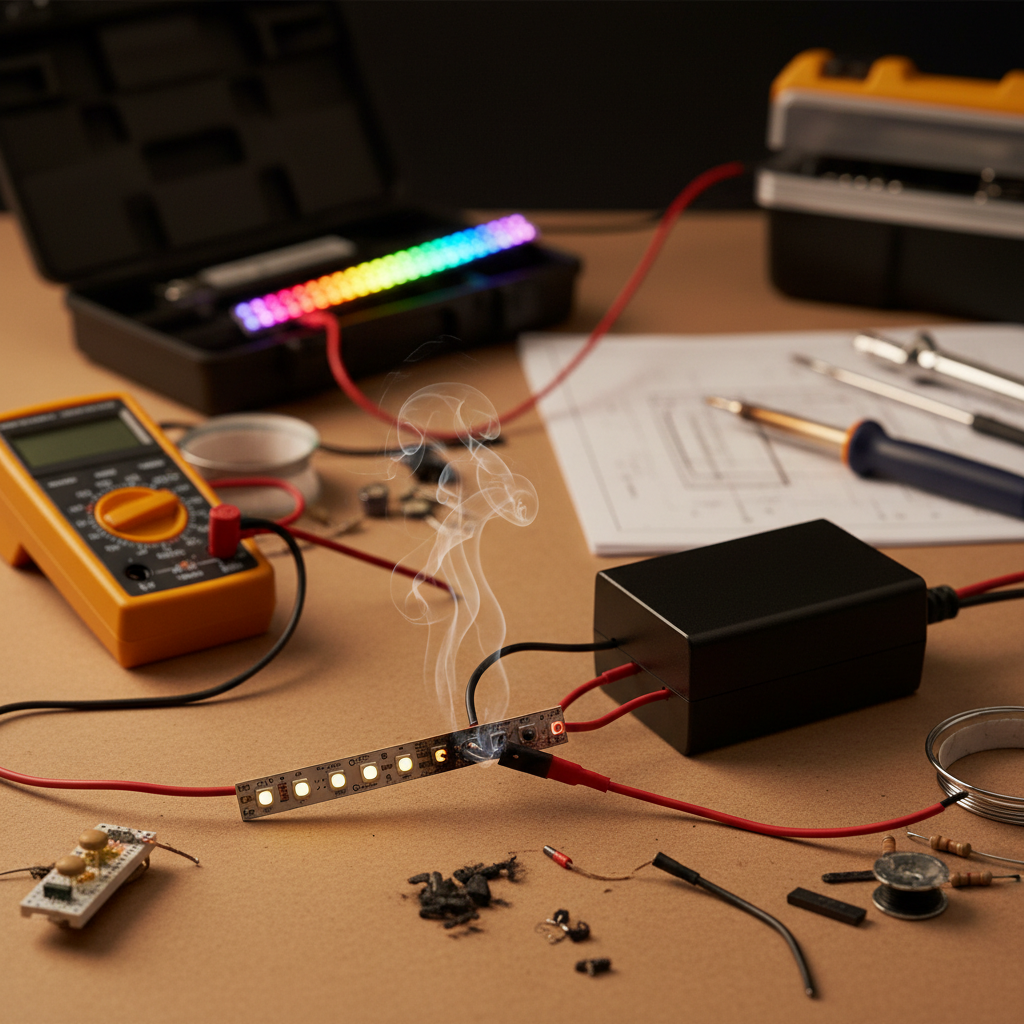
Essential Protection Components
| Component | Value | Purpose | Placement | |
|---|---|---|---|---|
| Capacitor | 1000µF | Absorb power spikes | Across +/- at strip input | |
| Resistor | 470 Ohm | Reduce signal noise | Data line (Source side) | |
| Level Shifter | 3.3V to 5V | Boost logic signal | Between MCU and Data | |
| Fuse | Varies | Prevent fire | On V+ line from PSU |
6. How Does the Software Control Color?
Software libraries abstract the complex nanosecond timing into manageable commands for developers. By assigning 8-bit values (0-255) to Red, Green, and Blue channels, you define a specific color for any pixel index. This is where it gets interesting: The microcontroller does not update the strip immediately after setting a pixel. Instead, it builds a complete map of the strip in its RAM (Random Access Memory). Only when you call a “Show” or “Display” command does the processor blast the entire data stream out to the LEDs.
This buffering method implies that memory capacity dictates the maximum number of pixels you can control. Each pixel typically consumes 3 bytes of RAM. An Arduino Uno with 2KB of RAM runs out of memory after roughly 500 pixels, leading to crashes or erratic behavior. For larger matrix displays or long architectural runs, you must select a controller with significantly more memory, or utilize techniques that generate patterns on the fly without buffering the entire frame. Libraries like FastLED and Adafruit NeoPixel provide optimized code to handle these bit-banging operations efficiently.
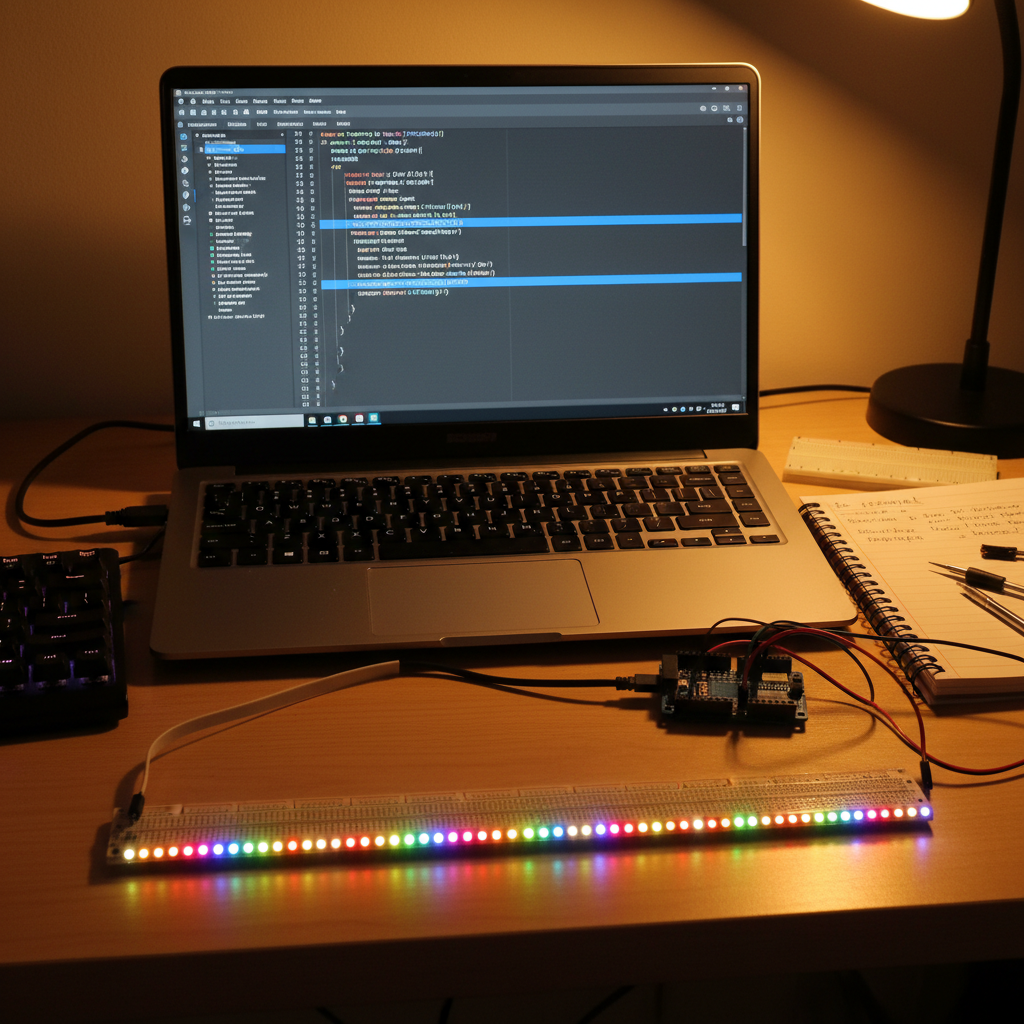
Memory Usage Breakdown
| Board | Total RAM | Max Pixels (Approx) | Note | |
|---|---|---|---|---|
| Arduino Uno | 2 KB | ~500 | Limited for complex code | |
| Arduino Mega | 8 KB | ~2000 | Better for medium runs | |
| ESP8266 | 40 KB+ | ~3000+ | Wi-Fi overhead reduces this | |
| Teensy 4.0 | 1024 KB | 10,000+ | Professional choice |
7. How Does Daisy Chaining Data Work?
Daisy chaining forms the backbone of large-scale Neopixel installations. The “Data Out” pad of one strip connects directly to the “Data In” of the next, creating a continuous serial communication path. Ready for the good part? This method allows you to treat multiple physical strips as one logical object in your code. If you connect two 50-pixel strips, your software sees a single 100-pixel array. The hardware handles the hand-off automatically; pixel 50 consumes its data and passes the remaining stream to pixel 51 (which is technically pixel 1 of the second strip).
While data extends easily, latency accumulates with length. Since the protocol has a fixed transmission speed (800 KHz), updating 1,000 pixels takes roughly 30 milliseconds. What’s the catch? If you chain too many LEDs, the refresh rate drops below 30 frames per second, making fast-moving animations appear stuttery. For video-capable displays or massive installations, engineers split the data into parallel outputs rather than one long chain. This parallel processing maintains high frame rates by updating multiple shorter segments simultaneously.
Refresh Rate vs Pixel Count
| Pixel Count | Update Time | Frame Rate (FPS) | Visual Quality | |
|---|---|---|---|---|
| 100 | 3 ms | >300 | Smooth | |
| 500 | 15 ms | ~66 | Good for video | |
| 1000 | 30 ms | ~33 | Acceptable | |
| 2000 | 60 ms | ~16 | Choppy / Laggy |
8. What Hardware Is Required to Control Them?
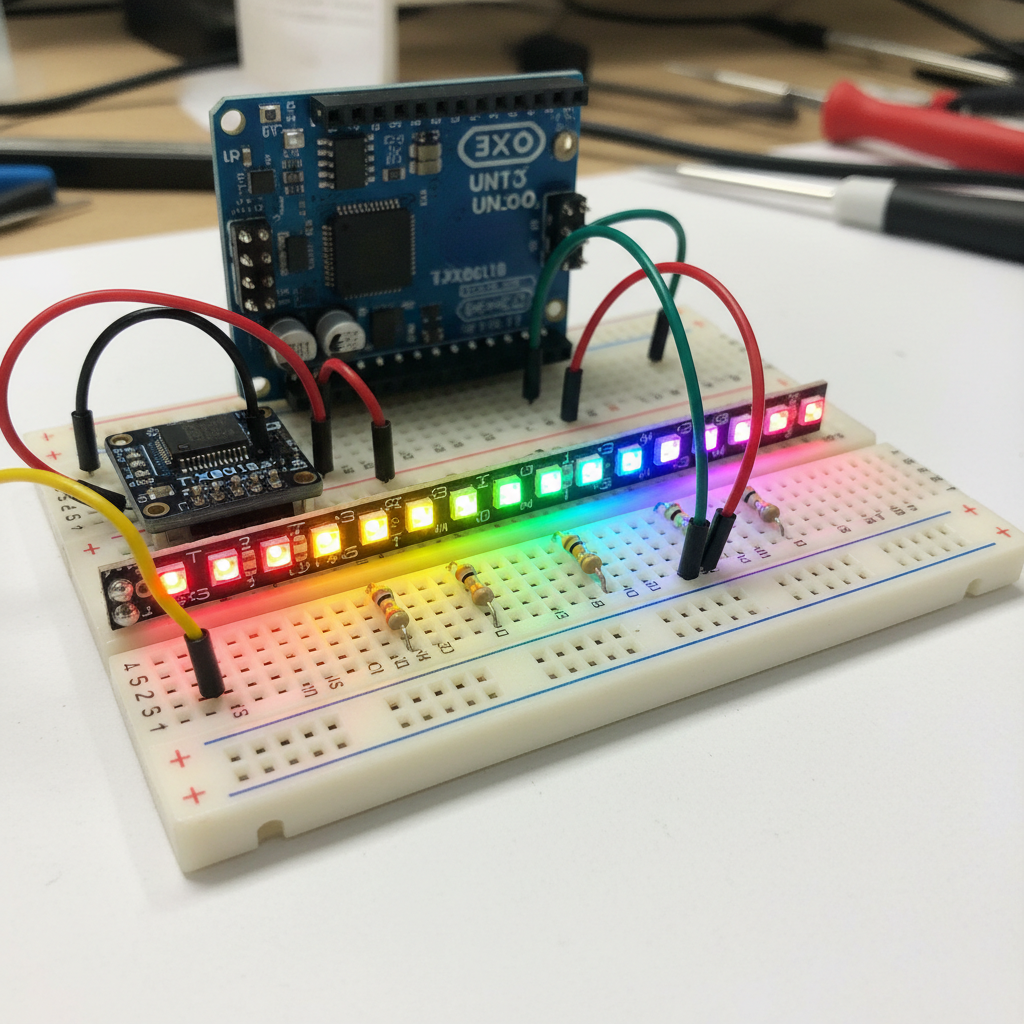
Selecting the right controller ensures long-term stability and ease of programming. While beginners often start with 8-bit AVR microcontrollers like the Arduino Uno, professional applications increasingly rely on 32-bit systems like the ESP32 or Teensy. Here is the deal: These modern boards offer vastly superior processing speed and memory, enabling complex math for fluid animations. However, a compatibility gap exists. Most modern processors operate at 3.3V logic, while Neopixel chips expect a 5V data signal.
Sending a 3.3V signal to a 5V Neopixel often works for short wires but fails reliably over distance. The 3.3V “high” signal sits right at the edge of what the Neopixel considers a valid “1”. To fix this, you should use a Logic Level Shifter (like the 74AHCT125). This chip takes the weak 3.3V signal from your ESP32 and boosts it to a robust 5V signal that the LED strip can read clearly. Skipping this step remains a primary cause of flickering in commercial IoT lighting projects.
Controller Comparison
| Controller | Voltage | Speed | Use Case | |
|---|---|---|---|---|
| Arduino Uno | 5V | 16 MHz | Learning / Small Props | |
| ESP32 | 3.3V | 240 MHz | Wireless / Smart Home | |
| Teensy 4.1 | 3.3V | 600 MHz | LED Walls / Art | |
| Raspberry Pi | 3.3V | 1.5 GHz | Complex Linux Systems |
9. How Do You Troubleshoot Common Neopixel Issues?
Troubleshooting addressable LEDs usually involves isolating power issues from data corruption. A common symptom involves the strip lighting up perfectly for the first few pixels, followed by random flashing colors for the remainder. You might be wondering why this happens. It typically indicates a ground loop or a poor ground connection between the power supply and the controller. Without a common ground reference, the data signal floats, causing the chips to interpret noise as valid color commands.
Another frequent issue presents as the “all white” problem. If you set the strip to bright white and notice the end turns orange or red, you face significant voltage drop. The copper traces cannot carry the current required. This is where it gets interesting: Simply reducing the maximum brightness in software to 80% or 60% often fixes this without a noticeable reduction in perceived light output, as human eyes perceive brightness logarithmically. Alternatively, adding power injection wires to the far end of the strip resolves the discoloration physically.

Troubleshooting Guide
| Symptom | Probable Cause | Fix | |
|---|---|---|---|
| No Light | Reversed Data Flow | Check Input vs Output end | |
| Random Colors | Missing Ground | Connect PSU GND to MCU GND | |
| Flickering | Data Noise | Add Resistor / Level Shifter | |
| Red Tint | Voltage Drop | Inject Power at end |
10. What Are the Best Commercial Applications?
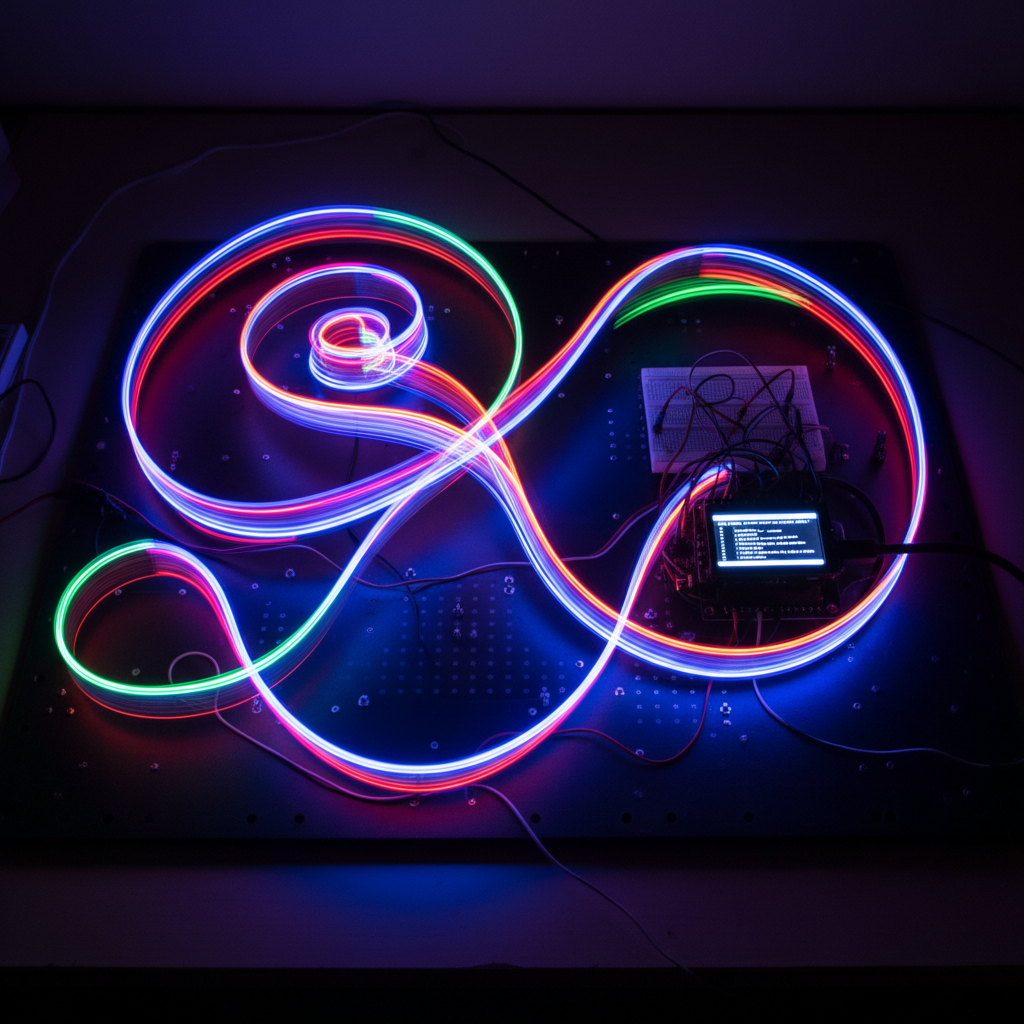
Beyond hobbyist work, Neopixels drive innovation in commercial architecture, signage, and entertainment. Stage designers utilize them to map low-resolution video content onto physical structures, creating immersive environments that standard screens cannot replicate. Ready for the good part? In retail, smart shelving uses these strips to highlight specific products dynamically, guiding customer attention through programmed color flows that trigger based on motion sensors.
The “Exposed Neon” trend also relies heavily on this technology. By placing Neopixels inside diffusing silicone tubes, manufacturers create signage that mimics the look of traditional glass neon but offers full-color animation capabilities. This allows a business to change its sign from a static blue logo during the day to a pulsing red attract-mode at night, all controlled via software updates rather than expensive hardware replacements.
Industry Applications
| Sector | Usage | Benefit | |
|---|---|---|---|
| Retail | Smart Shelving | Dynamic product focus | |
| Events | Stage Mapping | Video-to-light sync | |
| Architecture | Facade Lighting | Infinite pattern changes | |
| Signage | Digital Neon | Reconfigurable branding |
Conclusion
Relying on static analog lighting restricts creativity and fails to engage modern audiences who expect dynamic visual experiences. Neopixels offer a powerful solution by providing pixel-perfect control, enabling fluid animations, precise color grading, and interactive capabilities that standard strips simply cannot achieve. By mastering how does led strip neopixel work—from understanding the 5V power injection requirements to implementing the correct 800 KHz data protocol—you empower yourself to deploy sophisticated, professional-grade lighting systems.
Do not let the initial technical complexity regarding power and data management deter you. Here is the deal: With proper planning for voltage drop and signal integrity, these digital tools become incredibly reliable. Start small with a robust power plan and the right controller, and you will transform your next project into a visually stunning masterpiece. Contact us today to explore our range of professional LED solutions.
FAQ
Q1: What is the main difference between RGB and Neopixel strips?Standard RGB strips change color for the entire length simultaneously using voltage regulation, whereas Neopixel strips allow you to control the color and brightness of every individual LED independently using digital data commands.
Q2: How does the data signal travel down the strip?The data travels sequentially; the first pixel takes the first packet of data for itself and then regenerates and passes the remaining data stream to the next pixel, continuing this process down the entire chain like a bucket brigade.
Q3: Can I cut a Neopixel strip anywhere I want?Yes, Neopixel strips are designed to be cut between any individual LED pads, unlike analog strips that typically require cutting every 3 or 6 LEDs, giving you maximum flexibility for custom lengths.
Q4: Do I need a special power supply for Neopixels?Yes, Neopixels typically operate on 5V DC and draw significantly more current (Amps) than 12V strips; you must use a high-amperage 5V power supply and inject power at multiple points for long runs to prevent voltage drop.
Q5: Why do my Neopixels flicker or show wrong colors?Flickering often results from a poor ground connection between the controller and power supply or a weak data signal; ensure you share a common ground and use a logic level shifter if using a 3.3V microcontroller like an ESP32.